

Access Your Accounts on the Go
Convenience is currency these days, and PSB Bank's goal is to make your banking experience with us as convenient as possible. With our mobile banking app, you're able to access your accounts from nearly anywhere. Once you've downloaded and logged into the app, you're able to:
- View your real-time account balance
- Review transactions
- Turn your debit card on and off using card controls
- Access Bill Pay
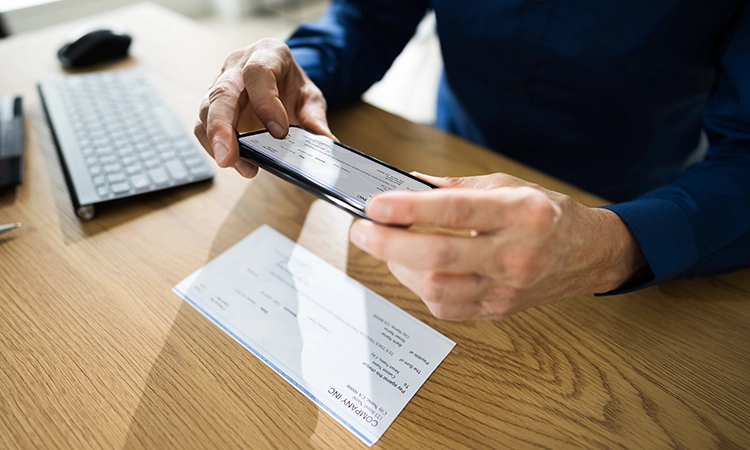
- Deposit a check using your device's camera
- Make a Person 2 Person (P2P) external transfer
- Locate a PSB Bank branch or ATM
- Set up account alerts
Our mobile banking app is available for both Apple and Android users. You can log in using the same credentials you use to log into Online Banking. Select your app store provider below to download the PSB Bank mobile banking app. 

.jpg)
Mobile Deposit
Making a special trip to the bank just to deposit a check may not always be convenient. But with PSB Bank's mobile deposit services, you can deposit a check using your device's camera by following these simple steps:
- Endorse your check
- Write "For Mobile Deposit Only" under your endorsement
- Open the PSB Mobile Banking app and mobile deposit feature
- Select the account you want funds deposited to
- Enter the deposit amount
- Finalize the deposit
You can deposit up to $5,000 per day. All checks deposited before 2:00 p.m. will be credited to your account on the same banking business day.